




How Does It Work?
- First, Select a Camo Category
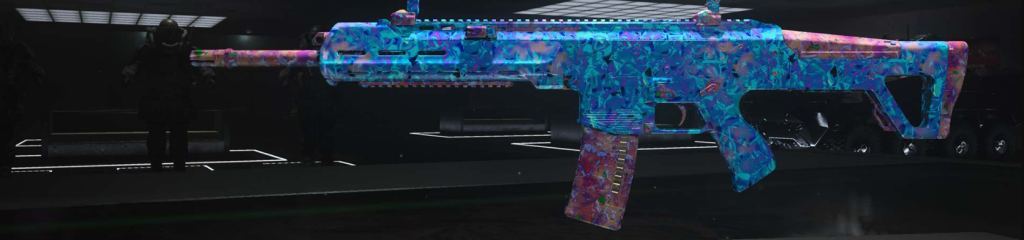
As mentioned, there are varieties of camo you can select when you play the CoD Modern Warfare video game. Your selection would be based on the game stage and the functionality of the camo at that stage. Players can select one or more from the categories consisting; Damascus, Gold, Obsidian, and Platinum. - Choose Weapon & Add to Cart
Before you choose what weapon to order to enhance the game boost, you must know its loading power and full functionality. For instance, some guns aren’t suitable enough for headshot kill that could earn you a high game point. - Choose a Platform
Various CoD video games are available on Play station, Xbox, and Windows PC. At least, you must be playing on one of the platforms, so you should select what platform you play on. - Make a Payment
After following these steps, cross-check your order and make payment. Multiple payment options include PayPal, Mastercard, Visa, and Crypto. You can resort to using the one that’s best for you. - Keep Track of your Order(s)
One of the relevant aspects you should have access to is the tracking page, where you can see through the activities you ordered. After ordering a CoD Warzone Boosting Service, the account owner has the chance to keep track of the boosting progress and communicate with the booster that was assigned to do the job. This also demonstrates transparency between the booster and the game player.